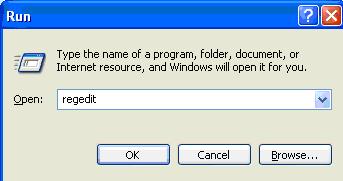
· julianalimin · featured · 1 min read
What Is System Restore?
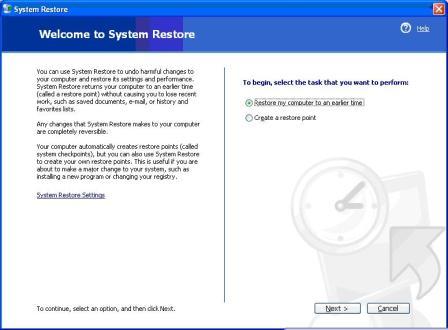
System Restore is a Windows utility allowing a user to restore their computer data to a specific former state, or restore point, undoing changes made since that time.
System Restore periodically creates automatic restores points to protect data from unexpected problems. The user is also allowed to create own restore points.
Now, where I can find System Restore?
You can find System Restore on System Tools.
First, click Start go to All Programs go to Accessories and then go to System Tools.
Click on System Restore.

Now, you’ll see a System Restore utility program.

Simple isn’t it?
Note : Please make sure that your system restore was turn on.

Now,
How to use it?
How to restore computer to previous setting?
How to make Restore Point?
Those questions would be answer for future posts, be patient.