· julianalimin · Computer Stuff · 1 min read
How to Enable the System Restore From Group Policy Object Editor?
Just like my promise on my previous post, I’ll try to give explanation about HOW TO ENABLE THE SYSTEM RESTORE FROM GROUP POLICY.
1. First, open Gorup Policy Object Editor.
2. Go to Start and click Run (or type window button + “R”), and type gpedit.msc then click OK or just Enter.

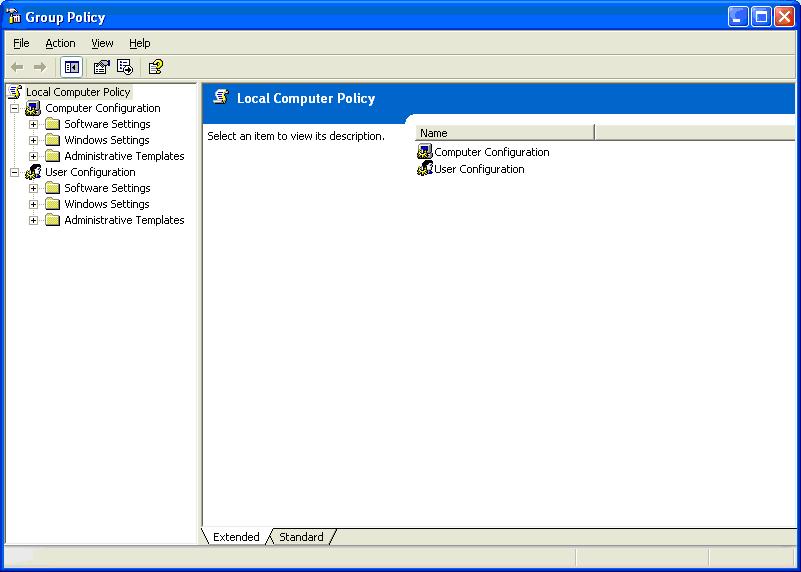
3. Now, you can see a Group Policy Object Editor like this.

4. Expand Computer configuration.

5. Expand Administrative Templates.

6. Expand System and expand System Restore

7. Now, double click Turn off System Restore.

8. You’ll see a Turn off System Restore Properties option.

9. On the Setting tab, select Disable (this will disable turn off system restore, it mean’s that system restore would be enable), and then click Apply and OK.

10. For more information about what these settings do, click the Explain tab on the Properties dialog box

Or you can try this one : How to Enable the System Restore from Registry Editor
Refer to : http://support.microsoft.com/kb/283073