· julianalimin · Computer Stuff · 1 min read
How to Show Files that Hidden by Virus
Your data on USB Flash Drive loss?
We’ll give you some tips.
First, plug in you USB Flash Drive to your computer.
Open windows explorer by clicking start and then my computer.
If you not found your files and folders, you probably ‘cause by virus.
Go to Command Prompt.
Click Start and Run
Type “cmd” then enter.

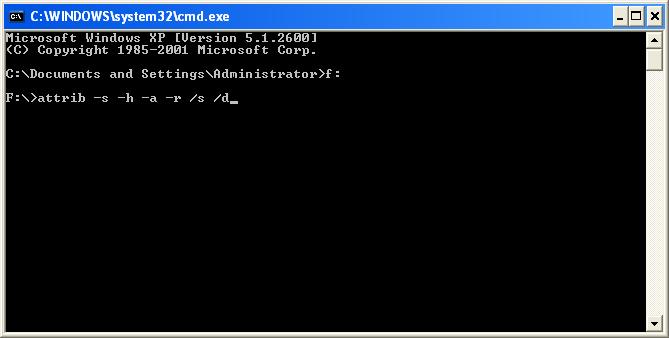
Type your USB Flash Drive Latter.
Ex : “F:” (enter)

Type this : “attrib –s –h –a –r /s /d”

This will show your files and folders.
Note : Don’t forget to Show all hidden files.
. : : Have a nice try : : .
Share: