· julianalimin · Computer Stuff · 2 min read
How to Protect Your USB Flash Drive from Virus (Autorun Virus)
Virus, everyone hates these things. It’ll destroy your data, changes your configurations, and make your computer not work properly.
USB Devices such as flash drive is one of devices that will be able to bring virus from one computer to others.
Now, how to protect our USB Flash Drive from Virus?
First, I want to show you how this autorun virus works:
- When you plug in your USB Flash Drive to Computer that have virus (autorun virus), Virus make some script to run virus from flash drive.
- Virus will make 2 files, the first file is the original virus (autorun.inf) and the others is script to running original virus.
- When you plug in your USB Drive to onother Computer, PC will automatically running virus script (autorun.inf) and virus comes in to computer.
Now, how to protect PC from running this script?
There are two answers for this question. Protect from the inside and protect from the outside.
Protect from inside by turning off the autorun menu from computer.
Explanations: Soon
Protect from outside by making new folder with same name with autorun.inf.
Explanations:
- Open Widows explorer and go to your USB Drive.
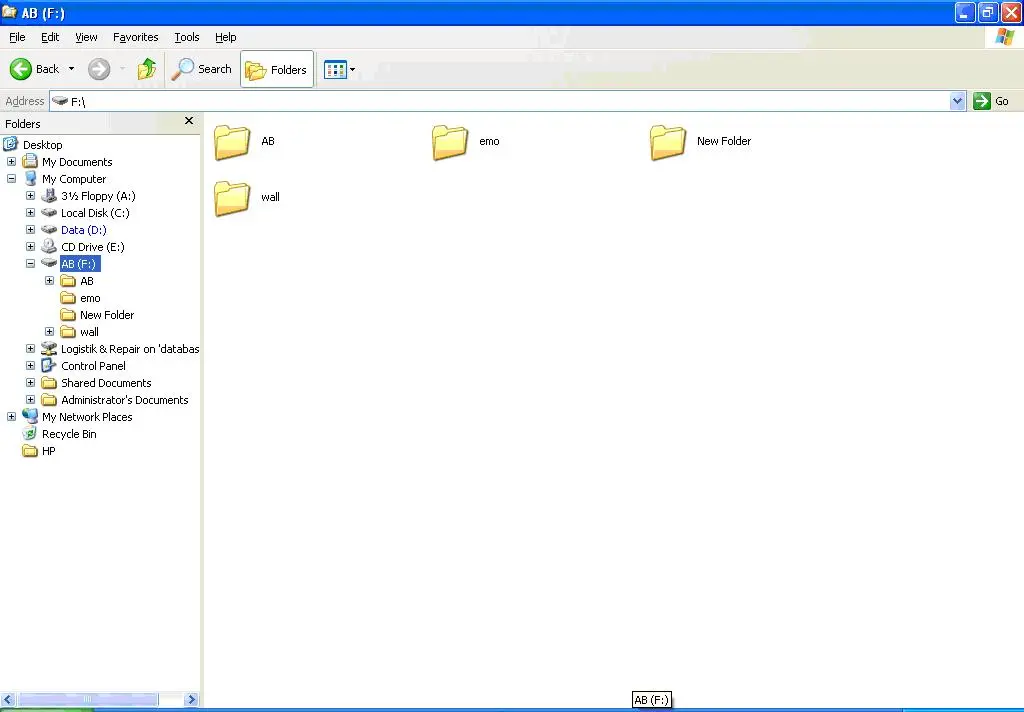
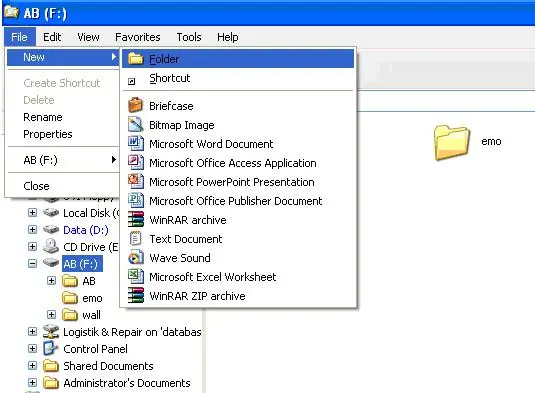
- Make new folder and name it with “autorun.inf”
a. Click File, click New and click Folder.
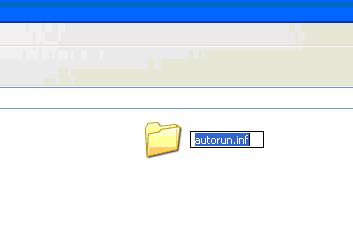
b. Name it with “autorun.inf”
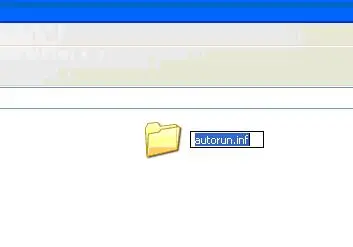
Note: Windows will not copy file to USB Flash Drives that have same name (name + extensions) to your USB Flash Drive, in this case “autorun.inf”